
Use case
Generate invoices from data, not from re-editing a design.
Build one invoice template with a row-repeat group for line items and conditional sections for things like a discount line. Then render it per customer by sending the line-item data — no separate template per invoice, no manual layout work per row count.
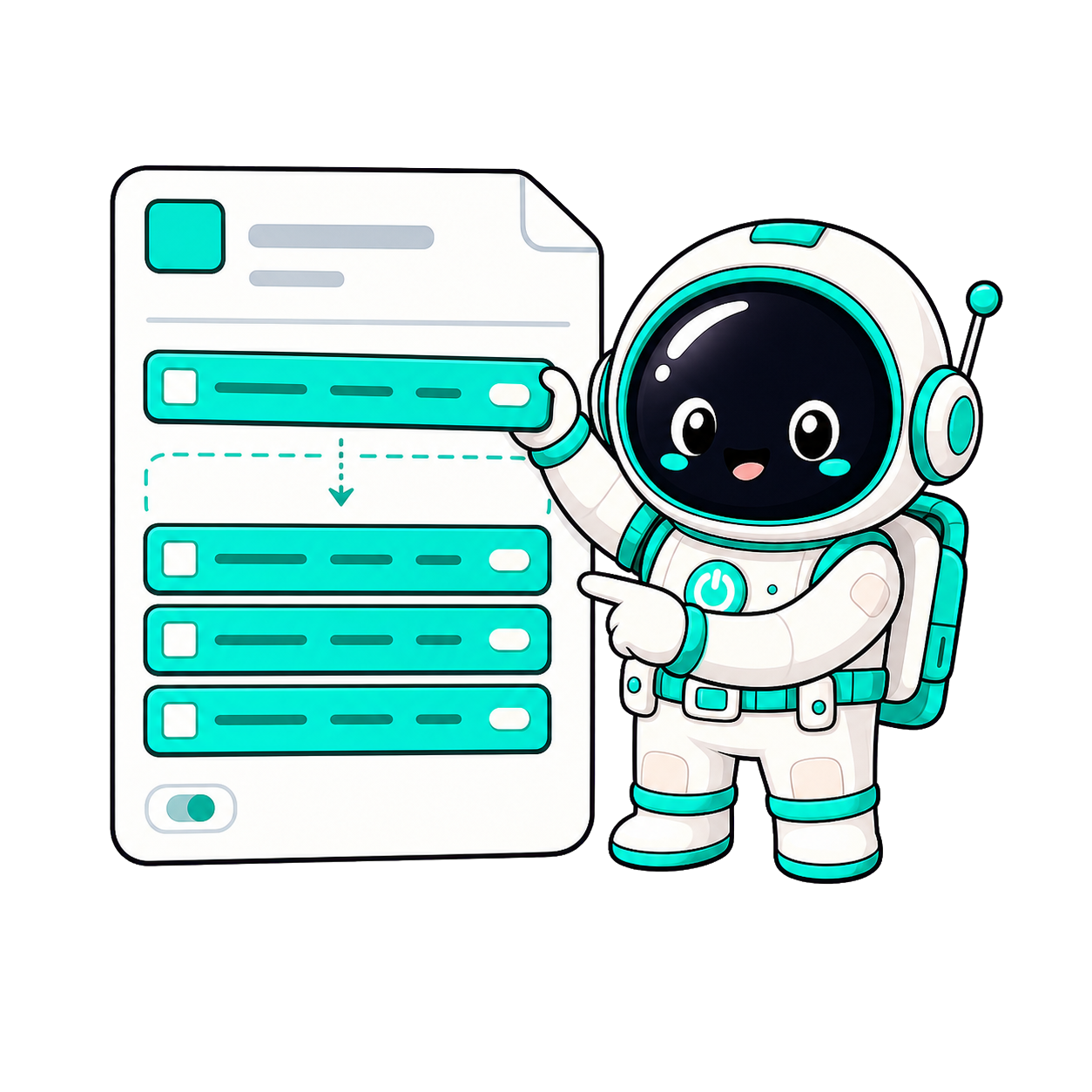
How it works
- 1Design an invoice layout once, marking the line-items area as a data-repeat group and any optional section (like a discount or tax note) with a data-if directive.
- 2Send the customer's data — name, address, line items array, totals — to the render endpoint. The repeat group expands to fit however many line items you send.
- 3Get back a finished PDF (or a multi-page PDF if the invoice spills across pages), ready to email or store.
Before & after
A 3-line invoice and a 30-line invoice need different layouts.
One data-repeat group expands to fit whatever array you send — no per-length templates.
Optional lines (discount, tax note, late fee) mean maintaining variant templates.
data-if directives show or hide a section based on the data, in the same template.
A long line-item list can push content past one page.
Multi-page PDF rendering stitches overflow into a second page automatically.
Issuing invoices for a whole billing run one at a time is slow.
Bulk rendering sends an array of customers and gets back one PDF per record in a single call.
Who it's for
SaaS billing
Generate a branded invoice PDF the moment a subscription renews, driven by your billing system's own data.
Agencies & freelancers
One polished invoice template, reused for every client without re-laying-out line items by hand.
Marketplaces
Issue a per-seller or per-order invoice at checkout time via the API, no manual document work.
Frequently asked
Can an invoice have a different number of line items each time?
Yes. Mark the line-items area as a data-repeat group in the editor and send however many items you have in the array — the group expands to fit.
What if the invoice runs onto a second page?
Multi-page PDF rendering stitches overflow content into additional pages automatically, so a long line-item list doesn't get cut off.
Can I show a discount line only when there is a discount?
Yes, that's what data-if directives are for — mark a section conditional on a param being truthy, and it only renders when the data says so.
Can I generate a whole batch of invoices at once?
Yes. Send an array of customer records to the bulk endpoint and get back one PDF per record in a single API call, metered as one bulk job.
Generate PDF invoices from a database or Google Sheet
Point the render API at your billing data — a database row, a Google Sheet, a webhook payload — and get back a finished invoice PDF per record. The line-items area is a data-repeat group, so a 3-line and a 30-line invoice use the same template, and a billing run of hundreds goes through the bulk endpoint as a single job.